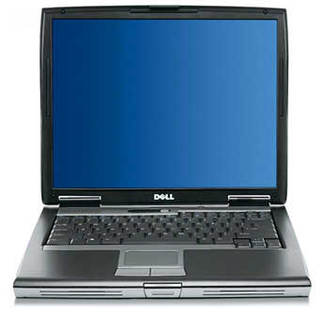

Upgrading RAM on Dell OptiPlex 433/MX(V) Computer
The Dell OptiPlex 433/MX(V) Computer comes with a standard RAM of 4 MB (removable), the basic amount of Memory RAM needed to run most tasks. If you expect your Dell Computer to do better with those newer hosted application, you'll have to add up to the memory ram that is already installed on the Computer.
If the Computer runs many applications or do multitasks , for example, with many windows and programs open simultaneously, you'll need to upgrade the memory RAM to the maximum that your OptiPlex Computer allows, the OptiPlex 433/MX(V) Computer Memory RAM can be upgraded upto 64 MB. Upgrading RAM to the maximum will ensure that your Computer is able to offer optimal, speedy performance. The Dell OptiPlex 433/MX(V) has 4 sockets RAM expansion slots, where you may install new memory, either by removing the existing installed RAM or adding memory to the free slot available.
The important thing to consider while upgrading the Dell OptiPlex 433/MX(V) is to get the best from a Computer memory retailer. If you're ready to optimize your Computer and make it work for you in the most powerful way, upgrade Dell OptiPlex 433/MX(V) with high quality memory! Find the best RAM deal for your Dell OptiPlex 433/MX(V) , choose your desired RAM size from the list below and you can buy the RAM from the secure merchant on the next page.